We Simplify Your
PDF work.
Everything you need to work faster, smarter, and more efficiently with your PDFs, all in one place.
- Free to use
- No sign-up needed
- Secure & private
Most Popular PDF Tools
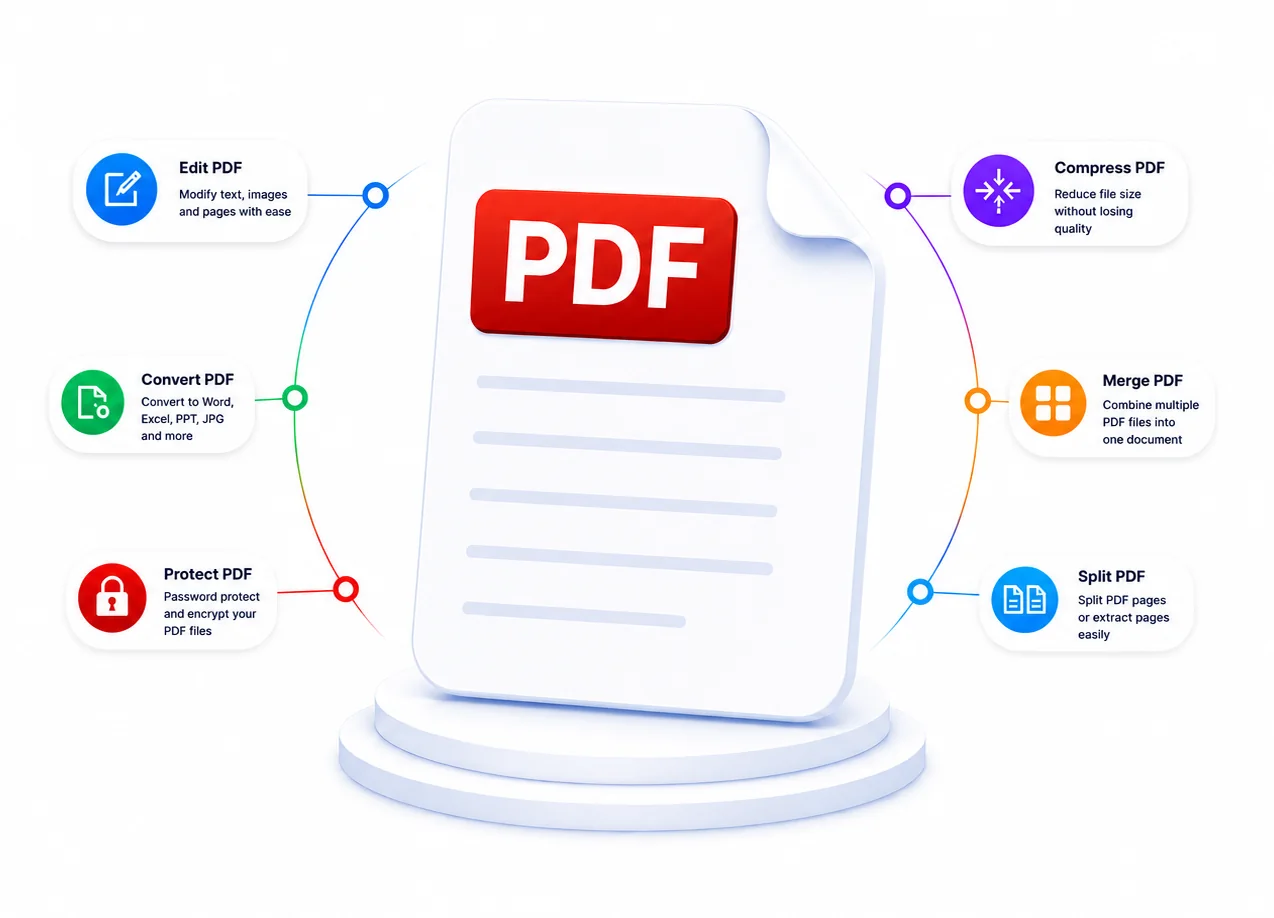
22+ powerful PDF tools to convert, compress, edit, and manage your documents all free, fast, and easy to use!
Compress PDF
Shrink file size without losing quality.
PDF to Word
Convert to editable Word documents.
Merge PDF
Combine multiple files into one document.
Split PDF
Extract specific pages from your document.
Word to PDF
Convert Word docs to PDF format.
AI PDF Summarizer
Summarize documents with AI analysis.
Edit PDF
Edit text, add images, shapes, and signatures.
PDF Protect
Secure files with password encryption.
How It Works
Four simple steps to compress, merge, convert, or edit your PDFs.
All online, all free, all in seconds.
Pick Your Tool
Browse our 22+ free tools, compress, merge, convert, OCR, and more for you.
Upload Your Files
Upload your files by drag and drop, then adjust settings to fit your needs.
Let Us Process
Our servers process files in seconds with encryption. No software needed at all.
Download Results
Download results instantly, copy text, or share via link.
Why Choose Ezorxpdf?
Use fast, free, and secure PDF tools to simplify your document workflow.
No sign-up required.
Lightning Fast Processing
Our powerful servers compress, merge, convert, and process your PDF files in seconds. No waiting in queues, no slow desktop software, just instant results you can download right away.
Bank-Level Security
Every file is protected with encryption during transfer, keeping your sensitive data safe and private.
100% Free to Use
No hidden fees, no credit card required, no trial limitations. Process unlimited PDF files every day with full access to all features, completely free of charge.
No Account Needed
Start using any tool instantly with no sign-ups, no email verification, no passwords to remember. Simply visit the page, upload your file, and get started right away.
Works on All Devices
Use our tools on any device, whether it is a desktop, laptop, tablet, or smartphone. The responsive design adapts perfectly to every screen size with no app downloads required.
22+ Professional Tools
Access 22+ professional tools including compress, merge, split, convert, OCR, watermark, protect, and more. Every PDF task you need, all in one convenient place.
Frequently Asked Questions
Everything you need to know about Ezorxpdf.
Still Have Questions?
Can't find what you're looking for? Our support team is ready to assist you with any questions.
Contact Support