PPT to PDF
Convert PowerPoint presentations to PDF with perfect formatting
Preserves slides, images, and layout, free online tool
Convert PowerPoint to PDF
with perfect formatting, free
Drop your PPT file here
or
Max file size: 50MB
Convert unlimited files
Preserves formatting perfectly
Free, no sign-up
Preserve formatting
Fonts, images, tables, and layout stay exactly as in your PowerPoint presentation.
Privacy by default
Encrypted in transit and handled securely.
Done in seconds
Upload, convert, and download your PDF in seconds.
Visual preview
Preview every page of your converted PDF before you download.
Any device, any OS
Works on any device, no installs, no plugins.
100% free
No signup, no watermarks, no hidden fees, just convert and go.
How it works
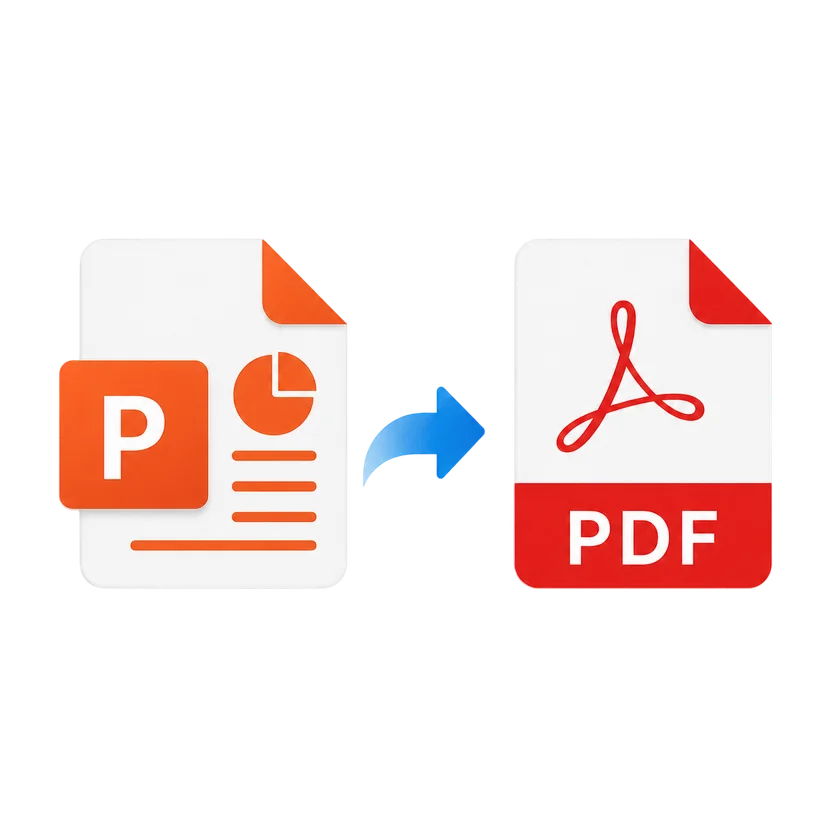
1
Upload your PPT by dragging it in or choosing from your device.
2
Click Convert to PDF and we process it in the cloud.
3
We process your file in the cloud, usually in under ten seconds.
4
Preview your PDF and download or grab a link.
PPT to PDF FAQs
Upload your PPT file by dragging it onto the page or clicking the upload button, then click Convert to PDF. Your PDF will be ready to download in seconds.
No. Our converter preserves your original formatting, fonts, images, and layout exactly as they appear in the PowerPoint presentation.
You can upload PPT files up to 50 MB in size. Most PowerPoint presentations are well within this limit.
Animations and transitions are not preserved in the PDF, as PDF is a static format. However, all slide content, images, and layout are preserved exactly.
Yes. You can upload and convert multiple PPT files in a single session. Each file is converted separately. After converting, use Merge PDF to combine them.
Your files are encrypted in transit and handled securely. We never store your documents permanently.
Compress
Compress PDF
AI PDF
AI PDF Summarizer