PDF to Word
Convert PDF files to editable Word documents instantly
Preserves text, images, and formatting, free online tool
Convert PDF files to editable
Word documents instantly Preserves text,
images, and formatting, free online tool
Drop your PDF file here
or
Max file size: 100MB
Unlimited free conversions
Preserves all formatting
Free, no sign-up
Fully editable output
Get a Word document you can modify, copy, format, and share freely.
Privacy by default
Encrypted in transit and handled securely.
Done in seconds
Upload, convert, and download your editable Word file in seconds.
Layout preserved
Text, columns, tables, images, and formatting are maintained in the output.
Any device, any OS
Works on Windows, Mac, Linux, and mobile - no installs, no plugins needed.
100% free, unlimited
No signup, no watermarks, no daily limits, just convert and go.
How it works
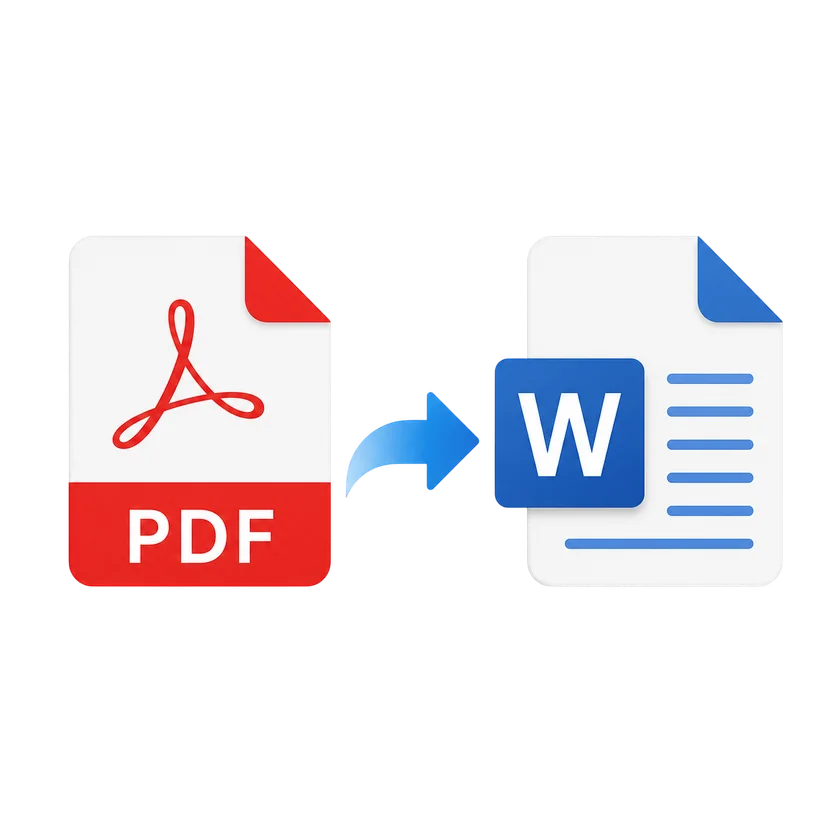
1
Upload your PDF by dragging it in or choosing from your device.
2
Click Convert to Word and we process it in seconds.
3
We convert your file in the cloud and you preview the result.
4
Edit freely: copy, modify, format, and share as needed.
PDF to Word FAQs
Upload your PDF by dragging it in or choosing from your device. Click Convert and download your editable Word document in seconds.
Yes. Text, basic formatting, and layout are preserved. Complex formatting like tables, images, and columns are maintained as closely as possible.
You can upload PDF files up to 100 MB. For large files, use Split PDF to divide the document first.
Yes. Your files are encrypted in transit and handled securely. We never store your documents permanently.
This tool converts the PDF layout to Word. For scanned documents, use PDF OCR first to make text selectable, then convert to Word.
Your files are encrypted in transit and handled securely. We never store your documents permanently.
Compress
Compress PDF
AI PDF
AI PDF Summarizer