PDF to PPT
Convert PDF files to PowerPoint presentations instantly
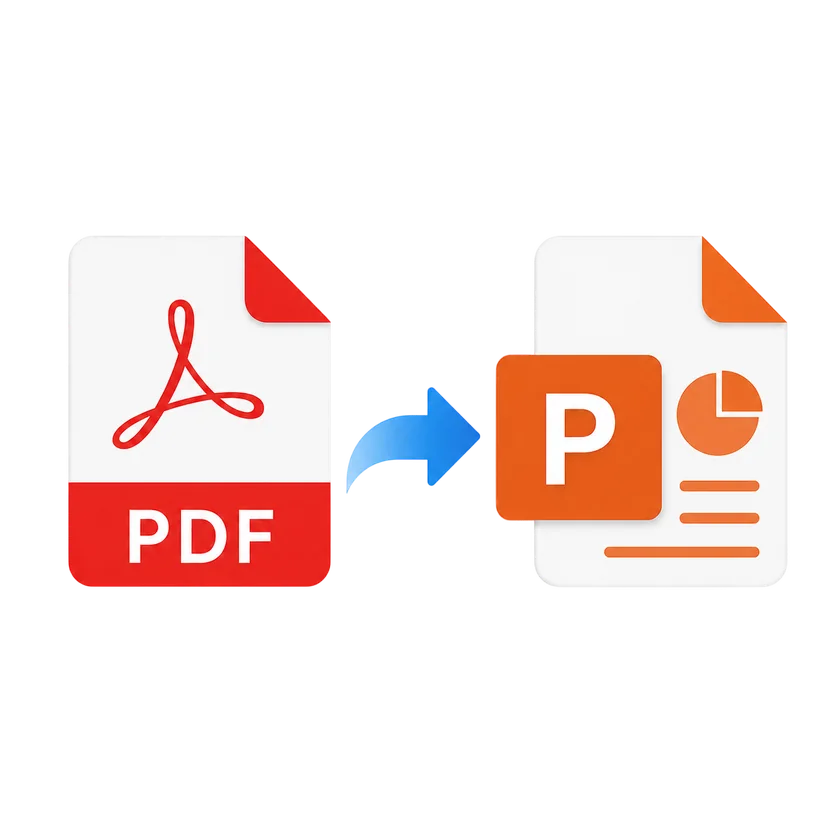
Each page becomes a full-slide image, free online
Convert PDF to PowerPoint
Each page becomes a full-slide
image, free online
Drop your PDF file here
or
Max file size: 100MB
Convert unlimited files
Preserves layout perfectly
Free, no sign-up
Full-slide images
Each PDF page becomes a high-resolution full-slide background in PowerPoint.
Privacy by default
Encrypted in transit and handled securely.
Done in seconds
Upload, convert, and download your PowerPoint file in seconds.
Multi-page support
Convert multi-page PDFs with every page rendered as a separate slide.
Any device, any OS
Works on any device, no installs, no plugins.
100% free
No signup, no watermarks, no hidden fees, just convert and go.
How it works
1
Upload your PDF by dragging it in or choosing from your device.
2
Click Convert to PowerPoint and we render each page.
3
We process your file in the cloud, usually in under ten seconds.
4
Download your presentation and edit in any app.
PDF to PPT FAQs
Upload your PDF file, click the Convert button, and download your PowerPoint presentation. Each PDF page becomes a full-slide image in the presentation.
Yes. Each PDF page is rendered as a high-resolution image and placed as a full-slide background, preserving the exact layout and formatting.
You can upload PDF files up to 100 MB. For best results with large files, we recommend splitting them first.
Yes. Your files are encrypted in transit and handled securely.
The converted slides contain images of each PDF page. You can add new slides, rearrange, or apply PowerPoint themes, but the existing page content is embedded as images.
Yes. You can upload and convert multiple PDF files in a single session. Each file becomes a separate PowerPoint presentation. After converting, use Merge PDF to combine them.
Your files are encrypted in transit and handled securely. We never store your documents permanently.
Compress
Compress PDF
AI PDF
AI PDF Summarizer