PDF to Excel
Extract tables from PDF files to Excel spreadsheets instantly
Supports multiple tables per page, free online tool
Extract tables from PDF
to Excel spreadsheets, free
Drop your PDF file here
or
Max file size: 100MB
Extract unlimited tables
Auto table detection
Free, no sign-up
Auto table detection
Automatically detects and extracts all tables from your PDF into Excel format.
Privacy by default
Encrypted in transit and handled securely.
Done in seconds
Upload, extract, and download your Excel file in seconds.
Multi-sheet output
Each table becomes a separate sheet in the Excel workbook.
Any device, any OS
Works on any device, no installs, no plugins.
100% free
No signup, no watermarks, no hidden fees, just extract and go.
How it works
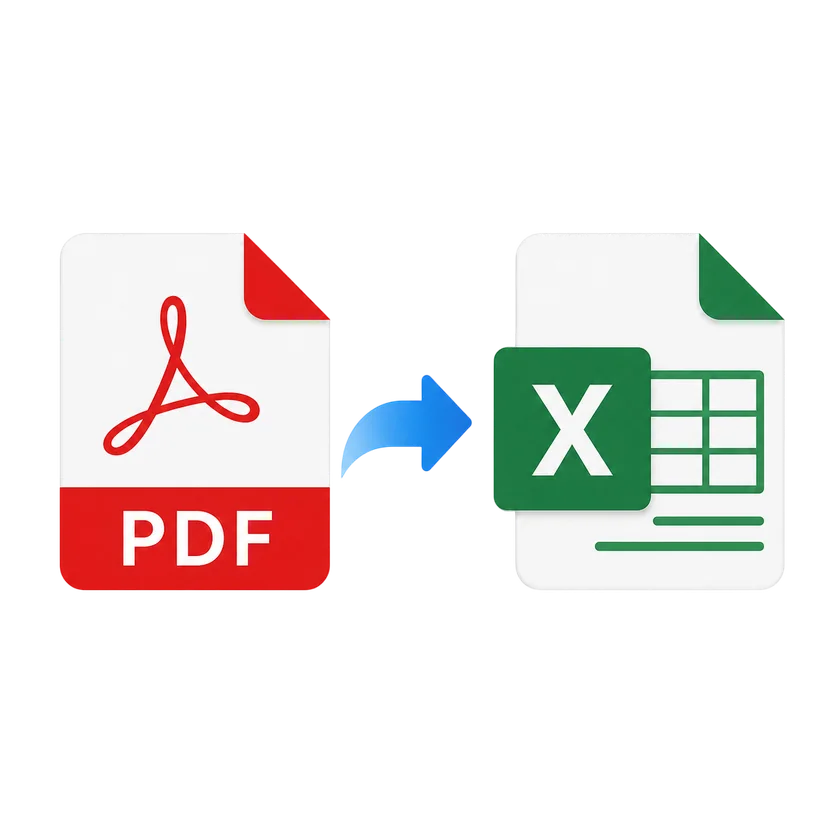
1
Upload your PDF by dragging it in or choosing from your device.
2
Click Convert to Excel and we detect tables automatically.
3
We process your file in the cloud, usually in under ten seconds.
4
Download your Excel spreadsheet and edit freely.
PDF to Excel FAQs
Upload your PDF file, click the Convert button, and download your Excel spreadsheet. The tool automatically detects and extracts tables.
The tool extracts table data including headers and cell values. Basic formatting is preserved. For complex merged cells, manual adjustment may be needed.
You can upload PDF files up to 100 MB. For best results with large files, we recommend splitting them first.
Yes. Your files are encrypted in transit and handled securely.
This tool works best with text-based PDFs. For scanned documents, use our PDF to Text tool with OCR first, then convert to Excel.
Yes. The tool detects and extracts all tables from each page, placing them into separate sheets in the Excel workbook.
Your files are encrypted in transit and handled securely. We never store your documents permanently.
Compress
Compress PDF
AI PDF
AI PDF Summarizer