Delete PDF Pages
Select and remove unwanted pages from any PDF instantly
Preview before deleting, free online tool
Remove unwanted pages from
any PDF, free online tool
Drop your PDF file here
or
Max file size: 100MB
Delete unlimited pages
Visual page preview
Free, no sign-up
Delete any page
Remove one page or dozens at once with a simple click-to-select interface.
Privacy by default
Encrypted in transit and handled securely.
Done in seconds
Drop your file, pick pages, and it's deleted in seconds.
Visual preview
See thumbnails of every page before you decide which ones to remove.
Any device, any OS
Works on any device, no installs, no plugins.
100% free
No signup, no watermarks, no hidden fees, just delete and go.
How it works
1
Upload your PDF by dragging it in or choosing from your device.
2
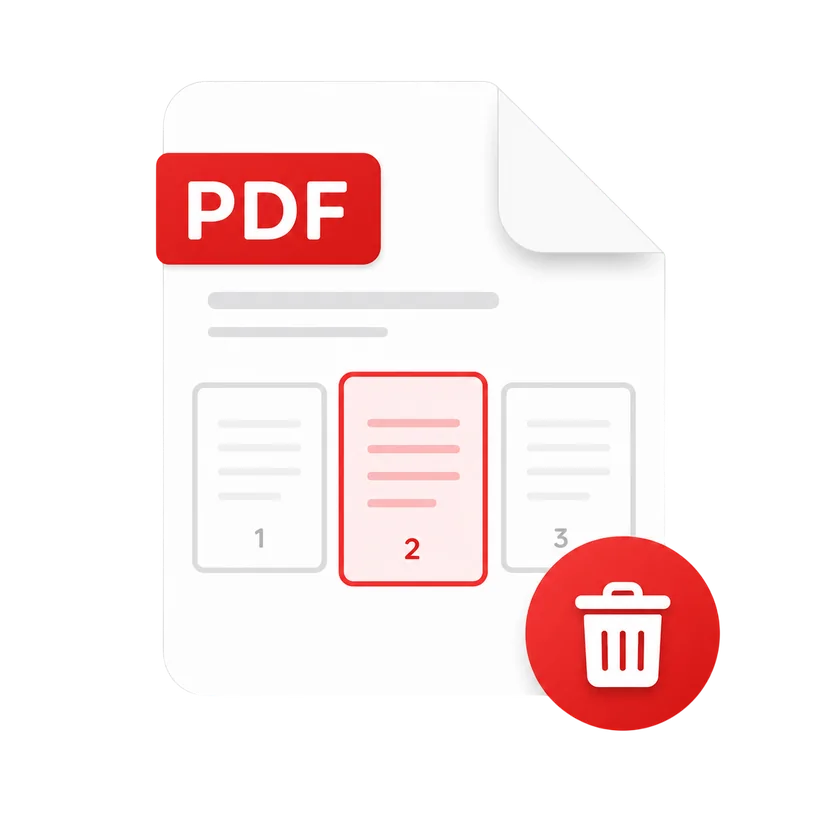
Select pages to delete by clicking thumbnails.
3
Click Delete and we remove the pages in the cloud.
4
Download your cleaned PDF or grab a shareable link.
Delete PDF Pages FAQs
Upload your PDF, click on pages to mark them for removal, then click Delete. Preview each page before deleting.
Yes. Select as many pages as you want to delete in a single operation by clicking on each one.
No. Deleting pages preserves the exact same quality, text, and layout of the remaining pages as the original file.
There is no limit on how many pages you can delete, but you must keep at least one page in the document.
Your files are encrypted in transit and handled securely. We never store your documents permanently.
Compress
Compress PDF
AI PDF
AI PDF Summarizer