Split PDF
Free online tool to extract pages or split any PDF
Preview all pages before download, no signup
Free online tool to extract
pages or split any PDF
Preview all pages, no signup
Drop your PDF file here
or
Max file size: 100MB
Split PDF specific pages
Extract page ranges
Free, no sign-up
Visual page selector
Pick exactly which pages to extract with a clear thumbnail preview.
Privacy by default
Encrypted in transit and handled securely.
Done in seconds
Drop a file in and split it before the kettle boils.
Drag & drop reorder
Rearrange pages before splitting, full control over the output.
Any device, any OS
Works on any device - no installs, no plugins.
100% free
No signup, no watermarks, no hidden fees, just split and go.
How it works
1
Upload your PDF by dragging it in or choosing from your device.
2
Select pages to extract or enter a page range.
3
Click Finish and we split your PDF in the cloud.
4
Download your split PDF or grab a shareable link.
PDF Split FAQs
Click on page thumbnails to select them, or use the page range input to type something like 1-5, 8, 11-13.
No. The split pages keep the exact same quality, text, and layout as the original file.
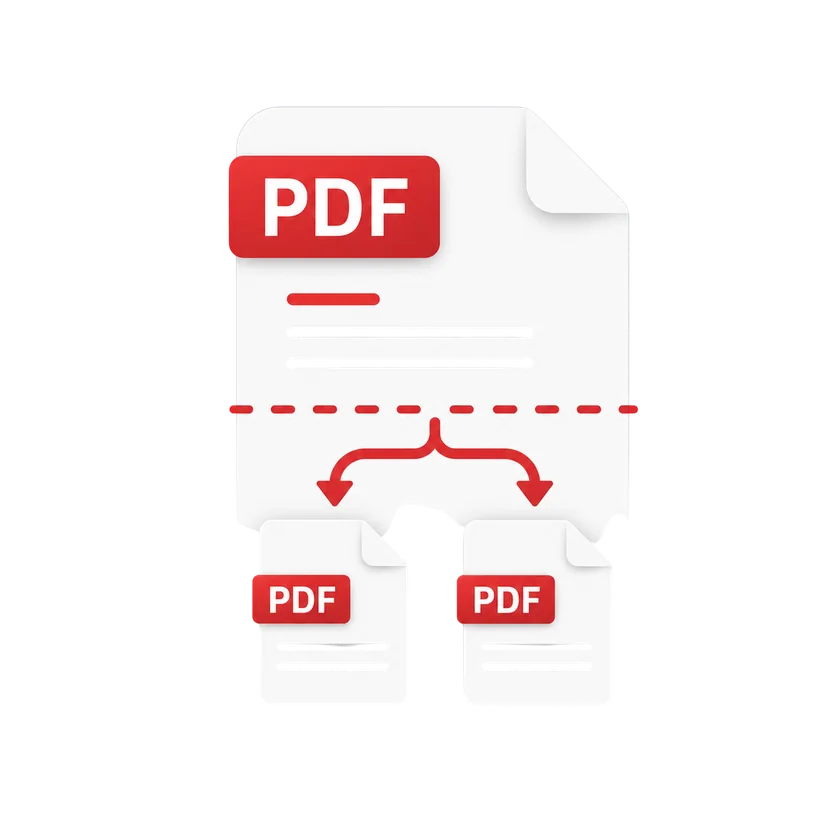
Yes. Select page ranges and split your document into as many separate files as you need.
Yes. Upload several PDFs at once, select pages from each one, and split them all in a single workflow.
Yes. Enter the password when prompted, then split the document as usual. Everything works the same once the file is unlocked. Also try Merge PDF to combine files.
Each split file downloads individually. You can also download all files together as a ZIP archive for convenience.
Your files are encrypted in transit and handled securely. We never store your documents permanently.
Compress
Compress PDF
AI PDF
AI PDF Summarizer